


Description
Retro Bowl College: Coach Your Dream Team
Overview
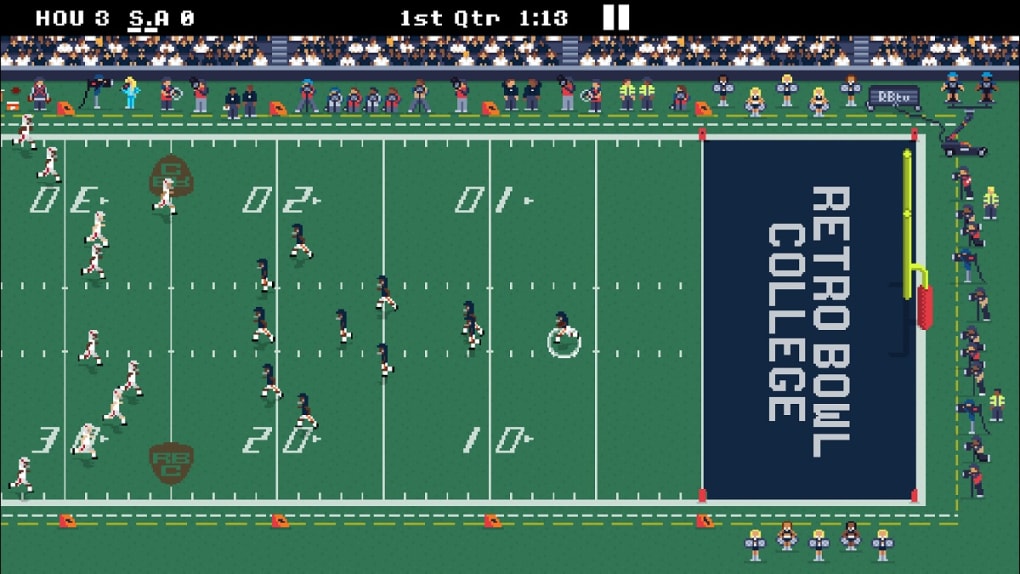
Retro Bowl College is a free-to-play sports simulation game developed by New Star Games Ltd, offering players the chance to step into the role of a college football head coach. The game blends nostalgic 2D pixel art aesthetics with deep strategic management mechanics, drawing inspiration from classic titles like Tecmo Bowl. Players assume control of one of 250 college teams, guiding their squad through seasons, recruiting talent, managing budgets, and navigating the complex dynamics of student-athlete life. The core purpose of the game is to simulate the multifaceted responsibilities of collegiate football leadership, combining on-field strategy with off-field decision-making. It appeals to sports enthusiasts, strategy gamers, and fans of retro-style games who enjoy long-term planning and team development. Real-world usage scenarios include managing player morale, balancing recruitment with financial limits, and making tactical decisions during games. While the game is free to play, it includes in-app purchases for advanced features. The developer did not provide additional system requirements beyond the supported platforms.
Key Features & Capabilities
- College Team Management: Lead one of 250 unique college football programs, each with its own roster, strengths, and challenges. Manage everything from practice schedules to player development.
- Budget Constraints: Operate under realistic financial limitations, requiring careful allocation of funds for recruiting, facilities, and staff—mirroring real-life athletic department challenges.
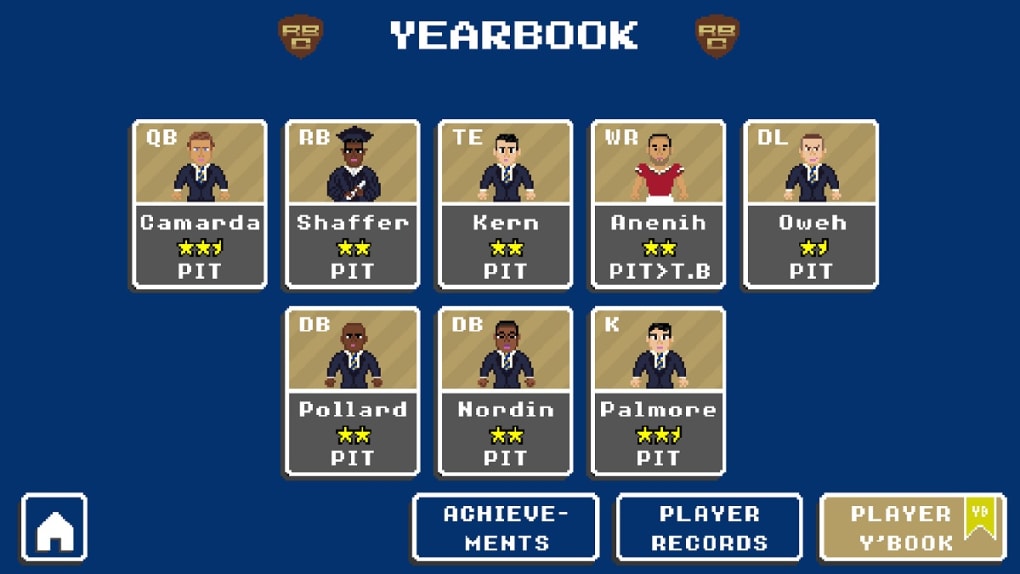
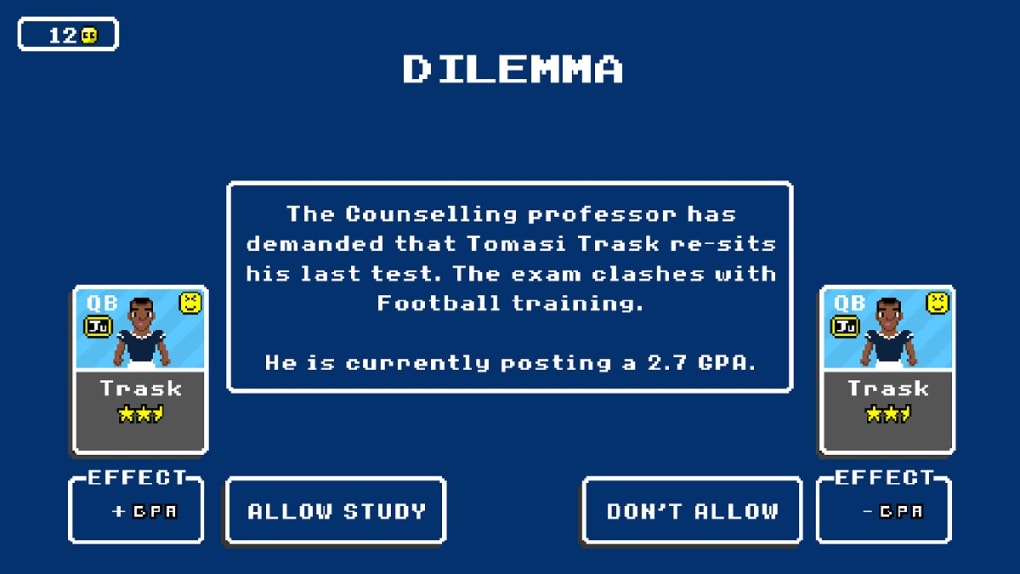
- Player Development & Morale: Guide players through their college careers, helping them maintain focus, avoid distractions, and improve performance through training and mentorship.
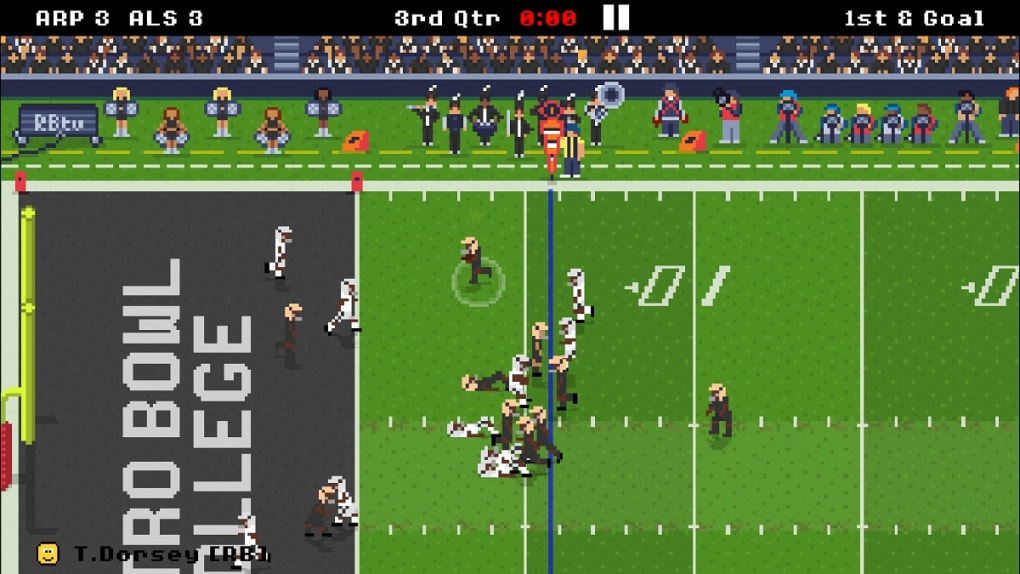
- Strategic Game Simulation: Execute plays, adjust formations, and make real-time tactical decisions during games, blending simulation with strategic depth.
- Retro Pixel Art Aesthetic: Enjoy a nostalgic visual style inspired by 80s arcade games, with vibrant 2D graphics and classic sound design that enhance immersion.
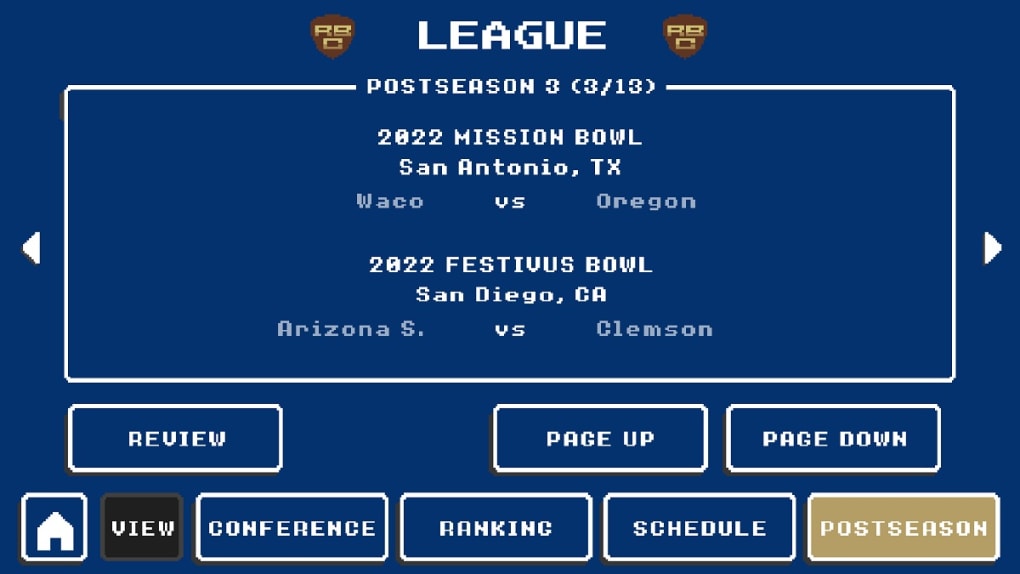
- Progressive Seasons: Experience multiple seasons, build team culture, and work toward a national championship through consistent performance and smart management.
These features allow players to engage in long-term planning and dynamic decision-making. For example, a coach might choose to invest in a high-potential recruit despite budget limits, risking future financial strain. Alternatively, they can focus on developing existing talent to avoid overspending. The game’s depth lies in its balance between immediate tactical gameplay and long-term team building, making it ideal for strategic thinkers and sports fans alike.
User Interface, Workflow & Performance
The user interface of Retro Bowl College is designed with clarity and efficiency in mind, featuring a menu-driven layout that organizes team management, player tracking, and game scheduling. Navigation is intuitive, allowing users to switch between different sections—such as roster management, budget planning, and game settings—with minimal clicks. The workflow follows a logical sequence: plan, recruit, train, play, and evaluate. This structure supports a smooth progression through each season. The game’s performance is optimized for desktop platforms, though exact resource usage details were not specified. General software behavior suggests stable operation under typical conditions. The developer did not specify CPU or RAM consumption, nor did they provide information on frame rates or load times. Stability appears consistent based on the game’s design, but performance may vary depending on the user’s hardware configuration.
Compatibility & System Requirements
Retro Bowl College is available for both Windows and Mac operating systems. The software version is 1.0.1, with a total installation size of 200 MB. This relatively compact footprint suggests efficient packaging and minimal disk usage. While the game supports multiple platforms, exact system requirements such as minimum processor speed, RAM, or graphics card specifications were not listed by the developer. Compatibility information is limited to the operating systems mentioned. The developer did not provide additional details about hardware compatibility or required drivers. Users are advised to ensure their system meets general desktop application standards to avoid installation issues.
Pros and Cons
Pros
- Free-to-play model with no upfront cost
- Deep team management mechanics with real-world parallels
- Engaging retro pixel art style that stands out in modern gaming
- Large roster of 250 college teams to choose from
- Realistic budget constraints enhance strategic depth
- Long-term gameplay with multiple seasons and progression
Cons
- In-app purchases unlock advanced features, potentially affecting balance
- Limited system requirements information may hinder compatibility checks
- No official support for Linux or mobile platforms
- Performance details such as CPU/RAM usage were not disclosed
- Player progression may feel slow without in-app upgrades
FAQ Section
Is Retro Bowl College available for Windows and Mac?
Yes, the game is compatible with both Windows and Mac operating systems as confirmed by the developer.
Is the game free to download and play?
Yes, Retro Bowl College is free to download and play. The game includes in-app purchases for additional features.
Does the game require an internet connection?
The game can be played offline after installation. However, updates and in-app purchases may require an active internet connection.
Are there any in-app purchases?
Yes, advanced features and enhancements are available through in-app purchases, though the core gameplay remains accessible without them.
How often are updates released?
The developer has not specified a release schedule for updates. However, the current version is 1.0.1, indicating ongoing development.
Final Thoughts + CTA
Retro Bowl College delivers a compelling blend of retro charm and strategic depth, offering a unique experience for fans of college football and management simulation games. With its engaging gameplay, detailed player development system, and authentic financial constraints, it stands out in the sports simulation genre. While the lack of detailed system requirements and performance data limits full transparency, the game’s core mechanics are strong and well-executed. It’s ideal for strategic thinkers, sports enthusiasts, and retro gaming fans who appreciate long-term planning and team-building. The free-to-play model makes it accessible to a broad audience, and the immersive simulation provides lasting replay value. Download Retro Bowl College now and lead your team to glory.
Guides & Tutorials for Retro Bowl College
How to install Retro Bowl College
- Click the Preview / Download button above.
- Once redirected, accept the terms and click Install.
- Wait for the Retro Bowl College download to finish on your device.
How to use Retro Bowl College
This software is primarily used for its core features described above. Open the app after installation to explore its capabilities.
User Reviews for Retro Bowl College 0
No reviews found





